
▼ In This Article
It’s Thursday afternoon, and the office administrator just found out, again, that two ministries booked the fellowship hall for the same Saturday. One group already rented tables. The other already told fifty people to show up. Nobody did anything wrong; there just was not one place where “who has the room” lived. This is the moment most churches start searching for church scheduling software.
But that search term means different things to different people. Some churches are really looking for a way to schedule rooms and resources. Others mean volunteer rosters, worship team rotations, or pastoral appointments. This guide focuses on the piece that causes the most day-to-day friction: room and facility scheduling, coordinating who uses which spaces, when, with what resources, under what rules. We walk through how to build that process, not just which software to buy.
By the end, you will know what church scheduling software covers, how to design a request-and-approval workflow that prevents conflicts, what features actually matter, and the mistakes that trip up churches when they switch from spreadsheets and email.
What Is Church Scheduling Software?
Church scheduling software helps churches coordinate who uses which rooms, when, with what resources, under what approval rules, so ministries, services, rentals, staff, volunteers, and facilities teams are all working from one source of truth instead of scattered calendars and inboxes.
It is worth narrowing the scope, because “church scheduling software” gets used loosely across the web. Some pages mean church room booking software or church facility scheduling software, the focus of this guide. Others mean church calendar software built into a broader church management system (ChMS). And some searchers are actually looking for ministry or volunteer scheduling software, which manages rosters and rotations rather than physical spaces.
This guide focuses specifically on room and facility scheduling, with a nod to where it overlaps with ministries, volunteers, and rentals along the way.
Church Scheduling Software vs Related Tools
A few quick distinctions worth knowing before you start evaluating options:
- Church scheduling / room booking software manages physical spaces, resources, and facility requests.
- Church management software (ChMS) manages people: member records, giving, attendance, communication. Some ChMS platforms include a calendar module, but facility operations usually is not their core strength.
- Ministry/volunteer scheduling software manages rosters, rotations, reminders, and substitutions for volunteer teams. Useful, but it does not solve room conflicts or resource booking.
- A generic shared calendar (Google Calendar, Outlook) shows what is booked, but typically lacks approval workflows, resource-level conflict detection, and utilization reporting.
If your church needs more than “can I see what is booked,” a purpose-built scheduling tool is usually a better fit than stretching a calendar or ChMS module to do a job it was not built for.
Why Facility Scheduling Breaks Down Without a System
Before diving into features, it helps to understand why this becomes a problem in the first place. A few common triggers:
- Double-booked rooms or equipment, because there is no single, real-time view of what is already reserved.
- Requests scattered everywhere, texts, emails, hallway conversations, sticky notes, with nothing centralized or trackable.
- Recurring services and ministry events with exceptions that do not fit neatly into a basic calendar.
- Shared, multi-use spaces with different setup needs in the same week.
- Volunteer and staff burnout from constant manual back-and-forth to confirm who has which room.
- Multi-campus inconsistency, where each location books differently and no one has a shared view across campuses.
- Maintenance issues that do not make it onto the schedule, so rooms get reserved when they are out of service.
None of these are purely software problems at the root. They are process problems. But the right software makes a good process possible, and a good process is what prevents the Thursday-afternoon double-booking call.
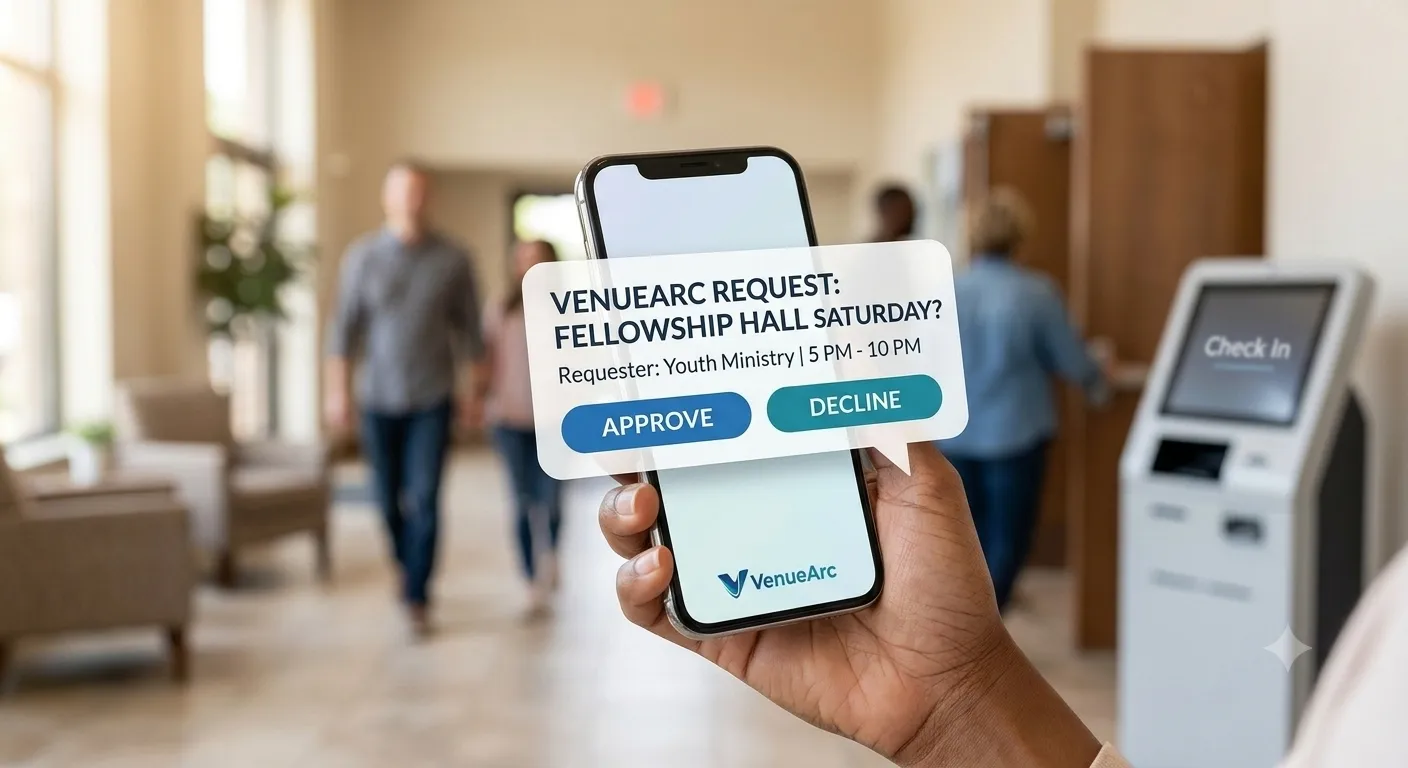
Building the Workflow: A Step-by-Step Approach
This is the part most software roundups skip. Before you pick a tool, it helps to define how scheduling should work at your church.
1. Inventory Your Spaces and Resources
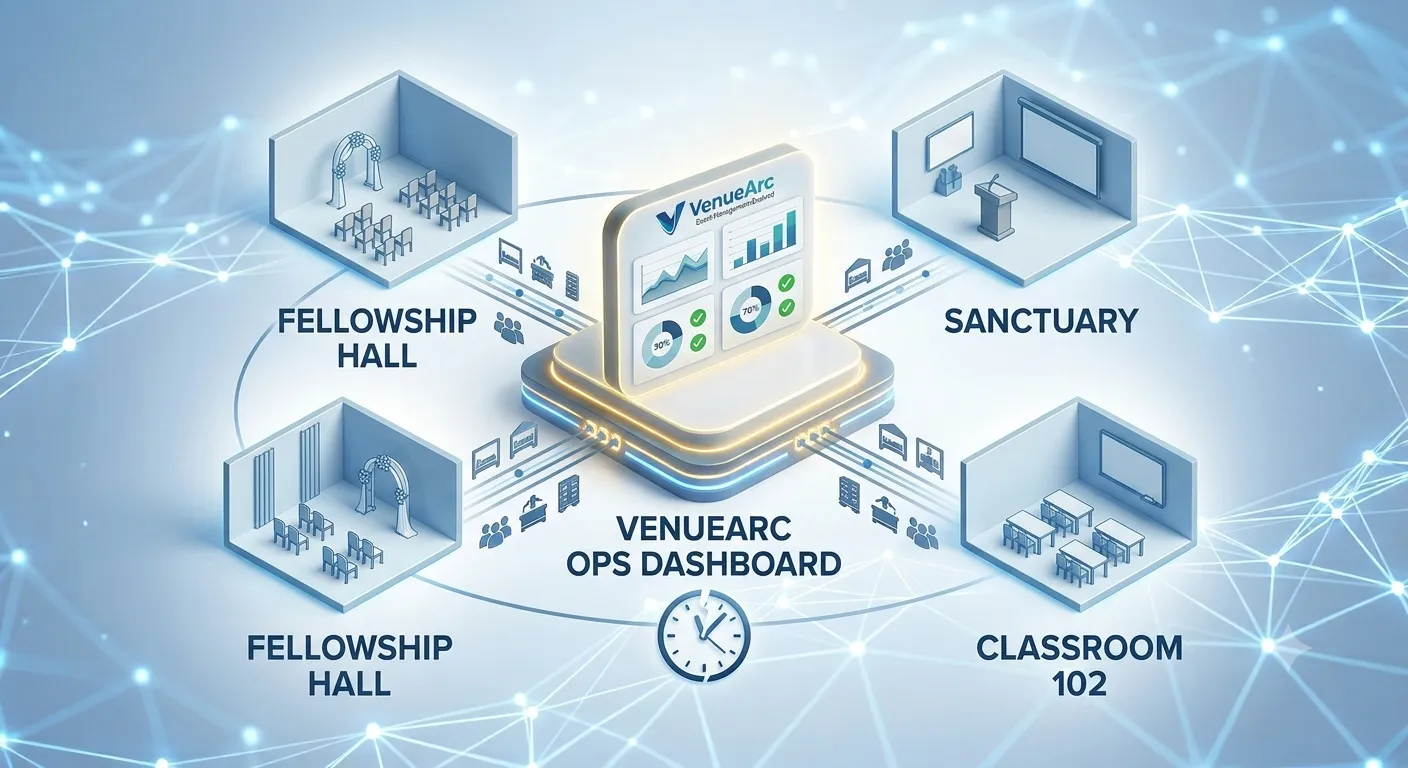
Start with a full list: sanctuary or worship space, classrooms, fellowship hall, kitchen, offices, parking, and anything bookable, AV equipment, chairs and tables, vehicles. You cannot build good rules for spaces you have not mapped.
2. Centralize Intake
Move every request, from staff, ministry leaders, and outside renters, into one online room request form instead of scattered emails and texts. Capture what actually matters: event type, expected attendance, setup needs, AV, childcare, or security requirements.
3. Define Approvals and Permissions
Not every booking needs the same level of review. A recurring Tuesday small group probably does not need staff sign-off every week, but a wedding, funeral, or outside rental usually should. Set different access levels for admins, staff, ministry leaders, and renters so routine requests move fast and higher-stakes ones get proper review.
4. Prevent Conflicts Before They Are Confirmed
This is where real-time availability and conflict detection matter most: checking room and resource overlaps, handling recurring-event exceptions, and allowing tentative holds before a booking is fully confirmed.
5. Coordinate Execution, Not Just the Reservation
Booking the room is step one. Running the event means setup and teardown, AV, furniture, staff assignments, volunteer visibility, and reminders. A good system supports the full lifecycle, not just the calendar entry.
6. Track Utilization and Report on It
Once scheduling data lives in one place, it becomes useful for more than avoiding conflicts: which rooms are overbooked, which sit empty, how approval turnaround is trending, and how outside rentals contribute to revenue.
Key Features to Look For
When you are ready to compare tools, check for:
- Real-time room and resource availability
- Conflict detection across rooms, equipment, and people
- Recurring bookings with exception handling
- Online request forms ministry leaders and renters can submit directly
- Configurable approval workflows by room type, requester role, or event type
- Resource scheduling for AV, furniture, vehicles, and setup/teardown time
- Mobile access so volunteers and staff are not tied to a desktop
- Public and internal calendars
- Multi-campus support
- Utilization and approval reporting
- Integrations with your existing calendar and ChMS stack
Common Mistakes to Avoid
- Assuming a shared calendar is enough. A calendar shows what is booked; it does not manage approvals, resource-level conflicts, or reporting.
- Assuming your ChMS already covers this. ChMS platforms are typically built around people and ministry administration, not facility operations.
- Confusing volunteer scheduling with facility scheduling. They solve different problems.
- Choosing the cheapest option without checking adoption fit. A free tool that your team does not keep current costs more over time.
- Buying software before defining process. Map spaces, rules, and roles first.
A Note for Other Houses of Worship
Everything in this guide applies to synagogues, mosques, temples, gurdwaras, and other houses of worship. Terminology may change, but the core scheduling principles stay the same: centralize intake, define approvals, prevent conflicts, and track usage.
Why This Matters Now
Church operations are running on tighter volunteer capacity than they used to. Fewer volunteer hours means less margin for manual scheduling back-and-forth and more need for a streamlined, centralized process. At the same time, church attendance patterns remain mixed between in-person and hybrid participation, which means facility scheduling increasingly needs to account for both physical space and digital support.
Ready to Map Out Your Church’s Scheduling Process?
The best next step is not picking software first. It is mapping your spaces, resources, and approval rules so your process is clear before vendor evaluation.
- Explore how church room booking works with VenueArc, built around one calendar instead of spreadsheets.
- Managing more than one campus? See how multi-site church scheduling keeps every location on the same system.
Once your process is mapped out, choosing the right software becomes a much easier decision.
Frequently Asked Questions
What is church scheduling software?
Church scheduling software helps churches manage room bookings, resources, and approval workflows so staff, volunteers, and ministry leaders work from one shared schedule instead of disconnected emails and spreadsheets.
The problem it solves is fragmentation. Requests arrive by text, email, hallway conversation and sticky note, so no single record shows what is already reserved. When that happens, two ministries can book the same hall for the same Saturday without either of them doing anything wrong.
The practical benefit is that intake, availability, approvals and resources all live in one place. Staff stop rebuilding the schedule from memory, ministry leaders can see what is free before they ask, and the calendar becomes a single source of truth rather than one of several competing versions.
How is church scheduling software different from church management software (ChMS)?
Church scheduling software focuses on spaces, resources, requests, and conflicts. ChMS platforms focus on people and ministry administration such as giving, attendance, and member records, with scheduling often as a lighter module.
The distinction matters during evaluation because both categories show you a calendar. A ChMS calendar is generally built to display what is happening to a congregation, not to arbitrate who gets the fellowship hall, what setup it needs, and who has to approve an outside rental.
Churches that assume the ChMS already covers facilities often end up running a parallel spreadsheet within a few months. It is usually more productive to treat them as complementary systems: the ChMS owns people data, the scheduling tool owns facility operations.
Can church scheduling software prevent double bookings?
Yes. Purpose-built systems check live availability and resource overlaps before confirming reservations, which reduces conflicts that are common in manual calendars.
Double bookings usually happen in the gap between a request and its confirmation. Someone promises a room verbally, the calendar entry is added days later, and in the meantime another leader books the same slot. Real-time conflict detection closes that gap by validating the booking at the moment it is requested.
Resource-level checking matters as much as room-level checking. Two events in different rooms can still collide over the same AV kit, the same tables, or the same setup crew, so a system needs to treat shared resources as bookable in their own right.
What features matter most for church room scheduling?
The most important features are real-time availability, conflict detection, recurring booking support, request forms, approval workflows, and reporting for utilization and turnaround times.
- Real-time availability and conflict detection across both rooms and resources such as AV, furniture, and vehicles.
- Recurring bookings that handle exceptions, since ministry schedules rarely repeat cleanly all year.
- Online request forms that capture setup, attendance, and AV needs at intake rather than by follow-up email.
- Configurable approvals, so routine bookings move quickly while weddings, funerals, and outside rentals get proper review.
- Reporting on utilization and approval turnaround, which is what turns a schedule into a planning tool.
Mobile access and multi-campus support matter too, particularly where volunteers and facilities staff are rarely sitting at a desk.
Do small churches need dedicated scheduling software?
Not always. Small churches with low booking volume may manage with shared calendars. Dedicated software becomes more valuable when conflicts, manual follow-up, and resource coordination start consuming staff and volunteer time.
The useful signal is generally not the size of the congregation but the amount of coordination overhead. If one administrator can hold the whole schedule in their head and confirm a booking in a single message, a shared calendar is usually enough.
The point to reconsider is typically when spaces become multi-use, outside groups start renting, or the process depends on one person knowing everything. That last case is the real risk: when scheduling lives with an individual rather than in a system, a single absence can stall every pending request.
Can we manage multiple campuses in one scheduling system?
Yes. Multi-campus capable systems support centralized visibility with campus-specific permissions, so each location can operate day to day while leadership keeps an organization-wide view.
The design goal is central governance with campus autonomy. Standards for approvals, naming, and reporting are set once for the organization, while campus staff still handle their own bookings without waiting on a central office for routine decisions.
What tends to break first across multiple sites is anything shared between locations, such as touring teams, AV kits, and staff who work across campuses. A system that only models rooms within a single site will not catch those clashes, so shared resources need to be tracked independently of any one campus.
What is the best first step before buying scheduling software?
Map your spaces, resources, requester roles, and approval rules first. A clear workflow makes software evaluation faster and helps ensure adoption after rollout.
Buying before defining process is one of the more expensive mistakes in this category, because every tool looks broadly similar in a demo. Once you know which bookings need sign-off, who is allowed to request what, and which resources are shared, vendor differences become concrete rather than theoretical.
It also protects adoption. Software cannot enforce a process the church has not agreed on, so the mapping exercise is really about settling the rules with staff and ministry leaders before anyone is asked to change how they book a room.
Want technology done right?
Get a free assessment from an Inc. 5000 Microsoft Solutions Partner.
Get Free Assessment ->